NOX Software · NVR / VMS

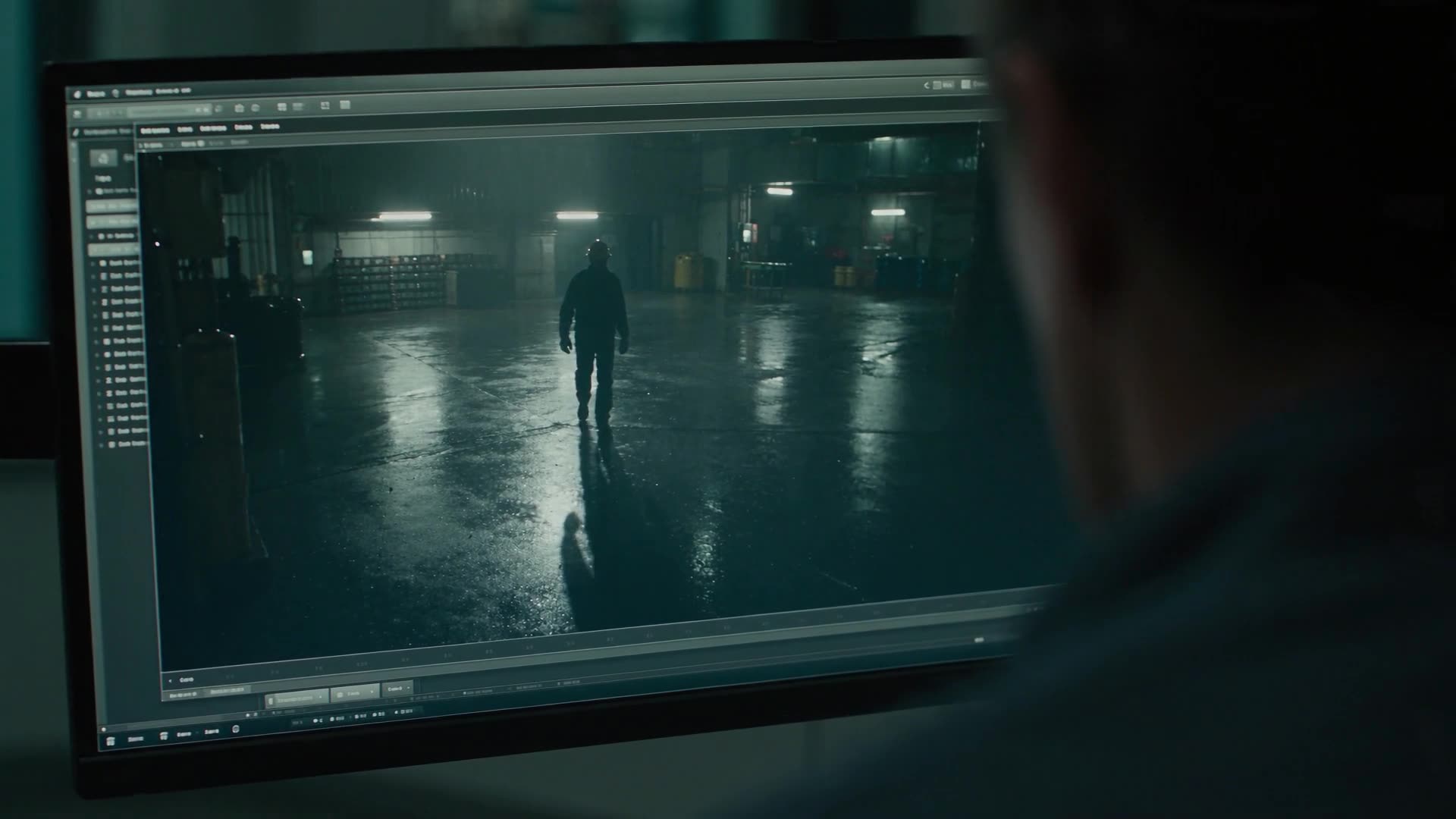
AI가 보고,
AI가 판단합니다
AI watches.
AI decides.

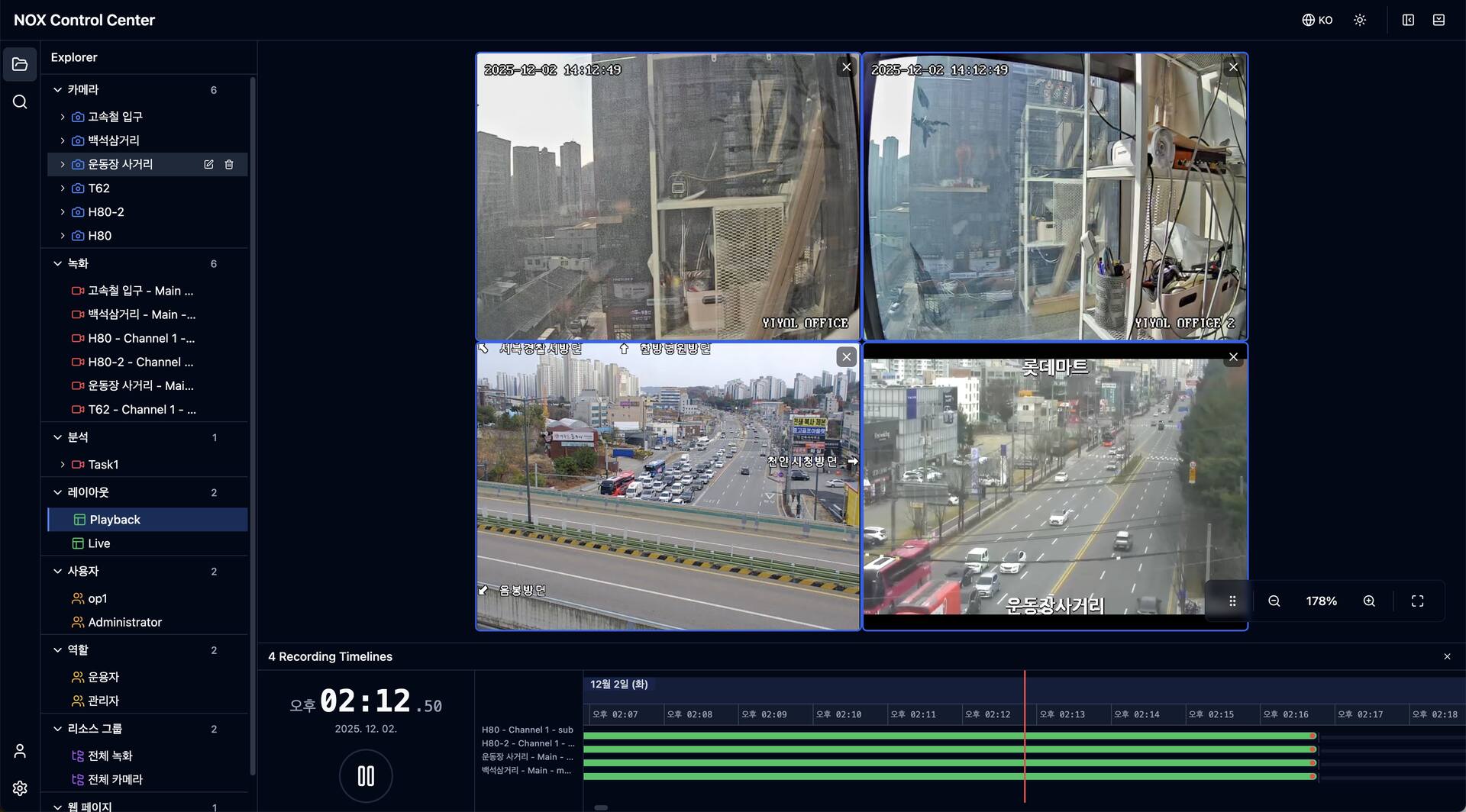
NOX는 녹화·저장·통합 관제와 AI 영상분석을 하나의 소프트웨어로 제공합니다.

NOX brings recording, storage, monitoring, and AI analysis into one piece of software.

NOX 소프트웨어 보기See NOX software

Services

NOX 위에,
현장에 맞춘 개발
Built on NOX,
fitted to your site

AI 분석·자동화, 외부 시스템 연동, 현장 전용 UI까지 필요한 부분만 개발합니다.

AI and automation, integrations, and site-specific UI: we build only what your site needs.

서비스 보기See services

NOX AI Chat

말로 물으면,
영상이 열립니다
Just ask.
The video opens.

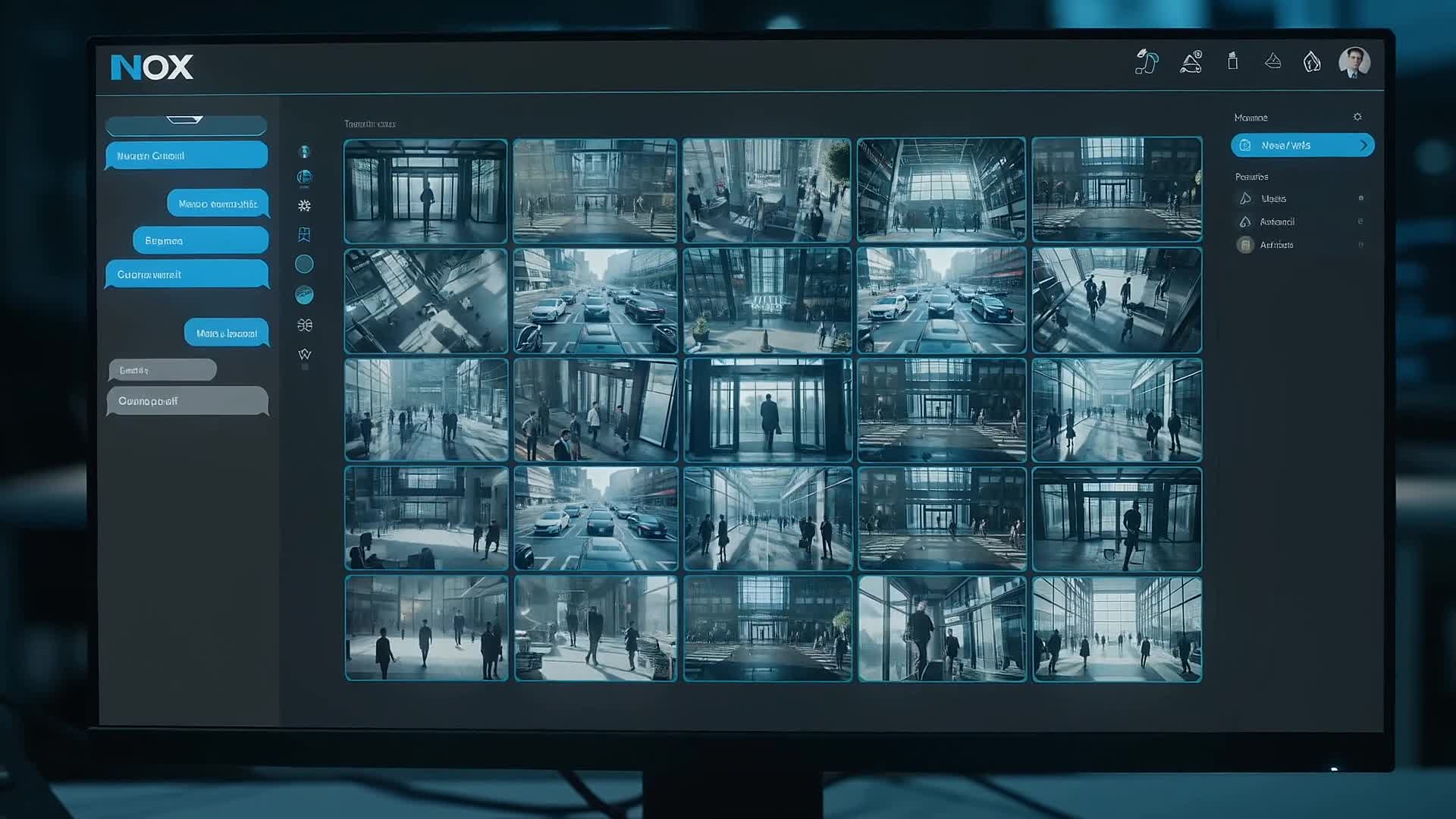
카메라 이름과 시각을 문장으로 입력하면 AI 채팅이 해당 녹화를 바로 재생합니다.

Type a camera name and a time in a sentence, and AI Chat plays that recording right away.

AI 채팅 알아보기About AI Chat

NOX · AI 채팅AI Chat

어제 오전 9시 30분 현관 영상 보여줘Show me yesterday's 9:30 AM entrance footage

‘현관’ 카메라의 어제 09:30 녹화를 열었습니다.Opened yesterday's 09:30 recording from the “Entrance” camera.

현관Entrance · 09:30:00재생 중Playing

메뉴·카메라 선택·시각 맞추기를 질문 한 줄로Menus, camera picking, and time-seeking in one question

0103

YIYOL Services

NOX 기반, 현장 맞춤 개발

Custom development on NOX

AI 분석·자동화 개발

AI analysis & automation

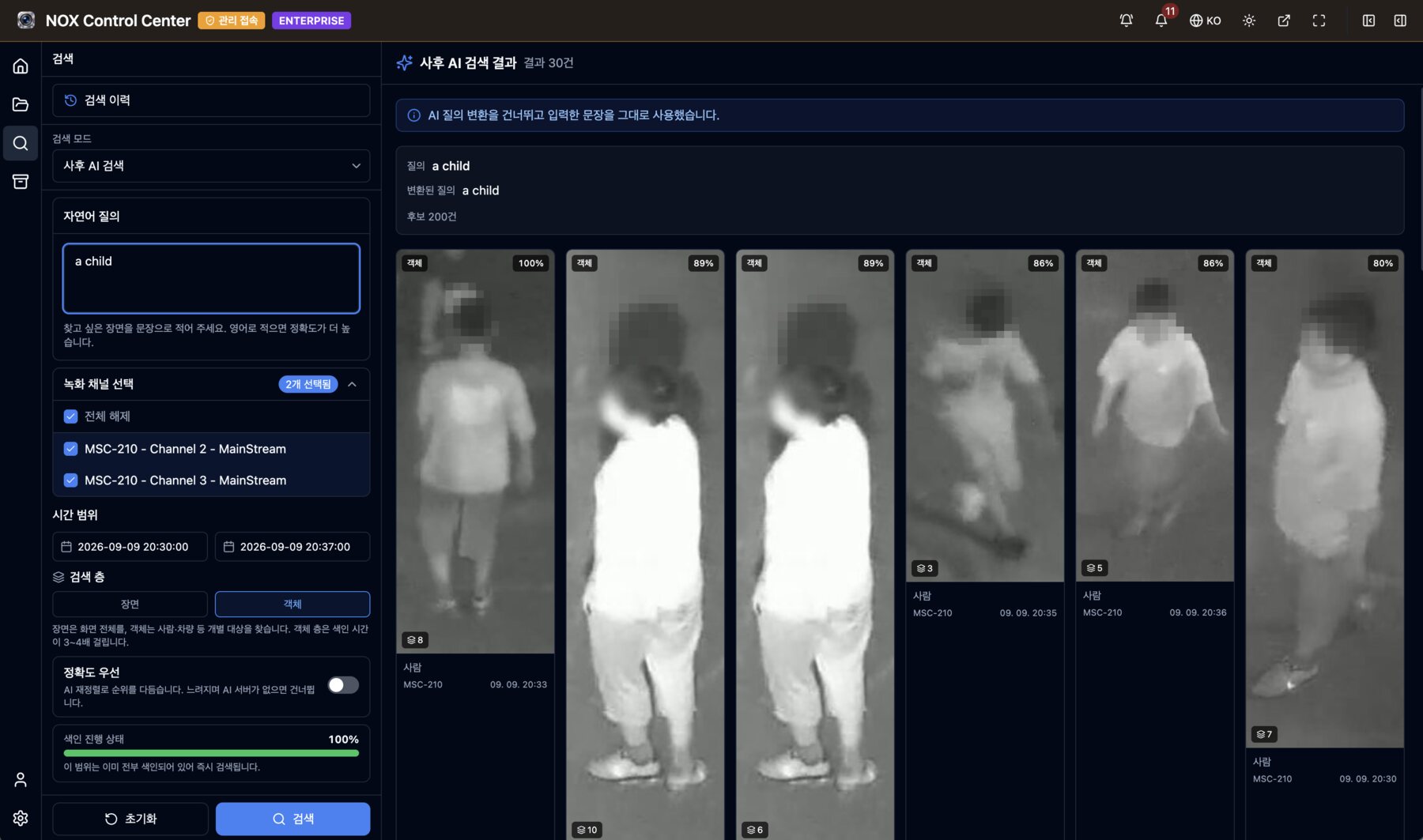
현장 상황을 Vision AI가 감지하고 VLM·LLM Agent가 판단해 후속조치까지 실행합니다.

Vision AI detects, a VLM or LLM agent judges, and the follow-up runs.

  • EX 01감지 대상·판단 기준 정의Detection targets and criteria
  • EX 02Vision AI·VLM 모델 적용Vision AI and VLM models
  • EX 03알림·방송·설비 제어 시나리오Alerts, PA, machine control
자세히 보기Learn more

About YIYOL

수집부터 실행까지,
전 계층을 직접 만드는 회사

From capture to action,
every layer built in-house

  • In-house수집 엔진 · AI 판단 · 액션 엔진 자체 개발Capture engine, AI, and action engine built by us
  • On-prem영상과 데이터는 고객 장비에 보관Video and data stay on your hardware
  • Problem-first제품 제안보다 상황과 조치를 먼저 정리The situation and the action before any product
회사소개 보기About YIYOL

YIYOL 소식What's new at YIYOL

평가판Trial

최대 16채널, 30일 동안 써 보세요Try NOX on up to 16 channels for 30 days

설치 파일을 받아 직접 설치하고, 신청하신 채널 수로 30일 라이선스를 발급해 드립니다.Install NOX yourself from our installer, and we issue a 30-day license for the channel count you request.

새 기능New feature

메뉴 대신 말로 영상을 찾습니다Find video by asking, not by menus

AI 채팅에 카메라 이름과 시각을 문장으로 입력하면 해당 녹화를 바로 재생합니다. ENTERPRISE 에디션에서 쓸 수 있으며, 현재는 Anthropic(Claude API)만 지원합니다.Type a camera name and a time into AI chat, and the matching recording plays right away. Available in the ENTERPRISE edition; currently only Anthropic (Claude API) is supported.